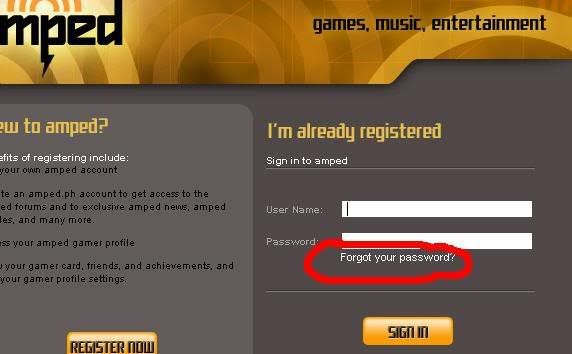
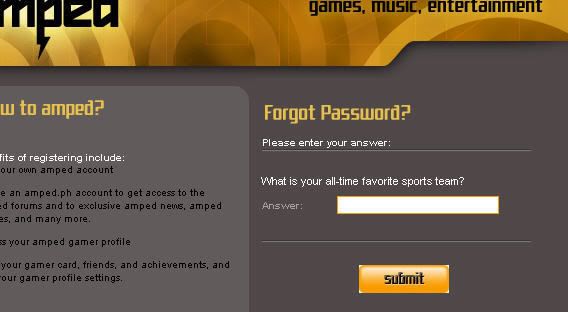
1. Go to Log in Page

2. Sign In

3. Click on Change Password

4. Type in Current Password and New Password. REMEMBER: Passwords are CASE SENSITIVE.


2. Sign In

3. Click on Change Password

4. Type in Current Password and New Password. REMEMBER: Passwords are CASE SENSITIVE.